
Set up Zapier integration
In this article: How to connect your Ruzuku account to Zapier so you can automate workflows between Ruzuku and other apps like Mailchimp, ConvertKit, Google Sheets, and more. All Plans
Zapier connects Ruzuku to thousands of other apps, so you can automate tasks that would otherwise require manual work. Instead of copying student emails into your marketing tool by hand, Zapier does it automatically.
Here are a few common automations Ruzuku creators set up:
- Add new students to your email list in ConvertKit, Mailchimp, or another email marketing tool when they enroll.
- Send a congratulations email from your Gmail when a student completes all lessons.
- Log each payment to a Google Sheet so you can track revenue in one place.
If the other app is in Zapier's app directory, you can connect it to Ruzuku.
Step 1: Generate your Ruzuku API key
You'll need your API credentials from Ruzuku to connect to Zapier.
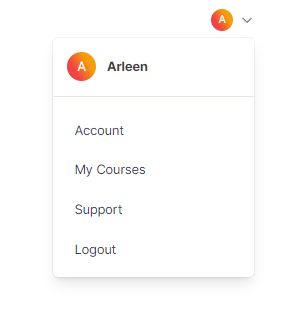
- Click the dropdown arrow in the upper-right corner of your Ruzuku dashboard and click Account.
- Click Integrations on your account dashboard.
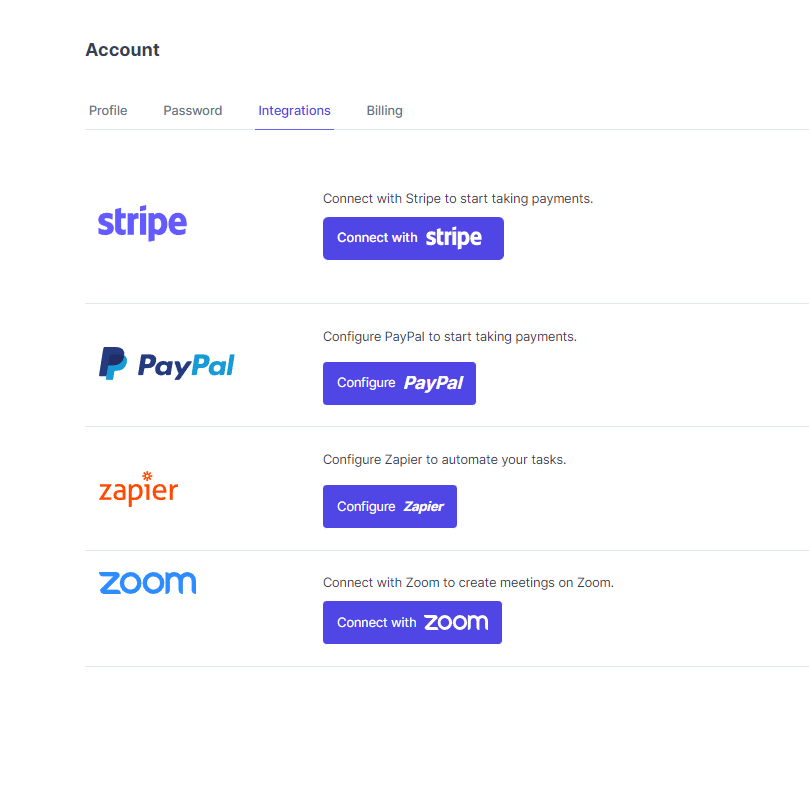
- Click Configure Zapier, then click Generate an API Key.

- You'll see three fields appear: API Key, API Secret, and Site URL. Keep this page open. You'll need to copy these values into Zapier in the next step.

Step 2: Connect Ruzuku in Zapier
If you don't have a Zapier account yet, sign up for a free plan at zapier.com/sign-up.
- Log in to Zapier.com.
- Click the Create button to start building a new Zap.

- Search for Ruzuku and select it.
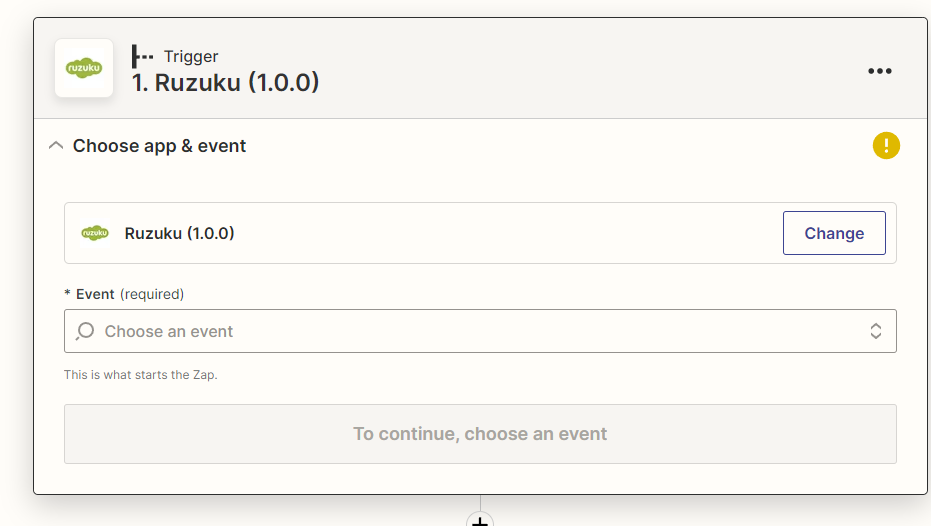
- Choose any event (the specific event doesn't matter yet; we're connecting the account first) and click Continue.
- When asked to choose an account, click the field and then Connect Account.
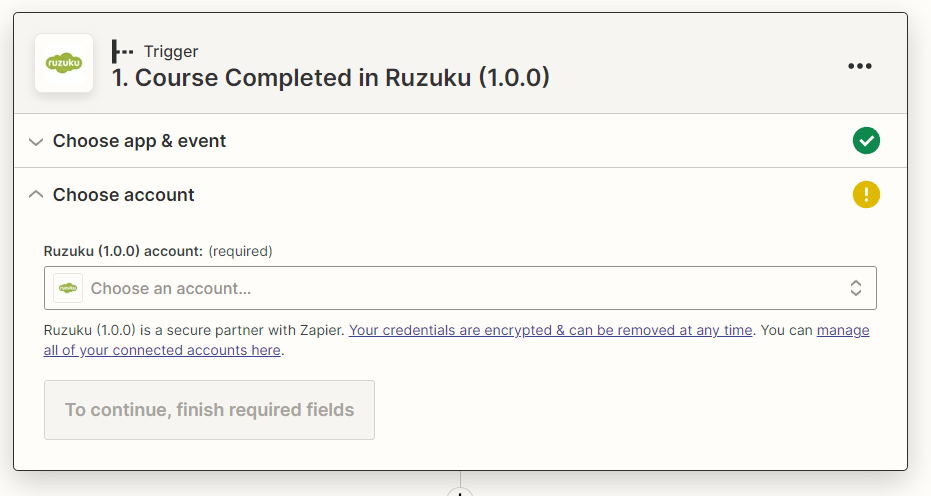
- A pop-up window appears. Copy the API Key, API Secret, and Site URL from your Ruzuku account page and paste them into the corresponding fields.
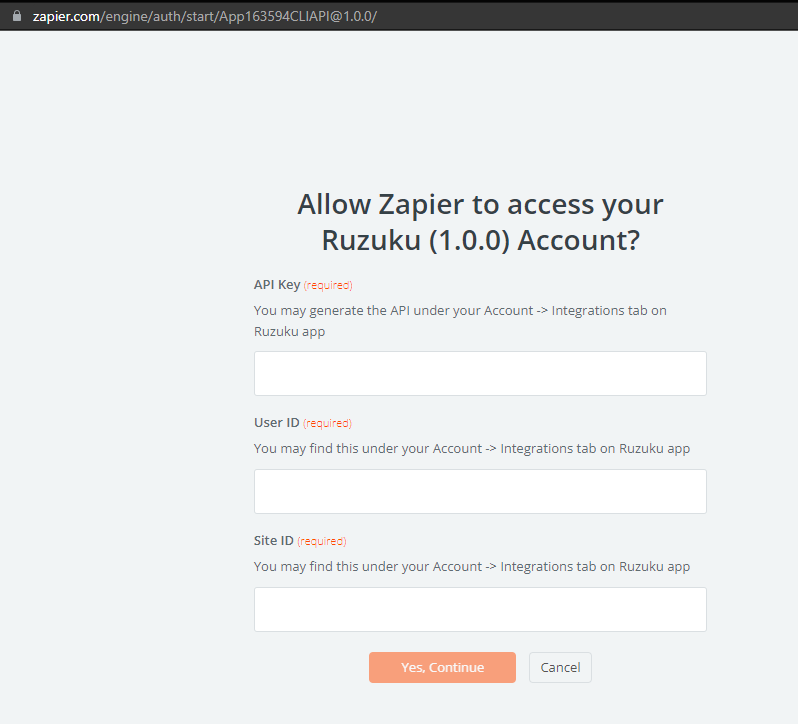
- Click Yes, Continue. The pop-up closes, and you'll see your Ruzuku account name appear in Zapier.

Your Ruzuku account is now connected to Zapier. You can build Zaps whenever you're ready, or close this tab and come back later.
Build your first Zap
Now that your accounts are connected, you can create automations. Here's how a basic Zap works:
- Trigger: Something happens in Ruzuku (a student enrolls, completes a lesson, etc.).
- Action: Zapier does something in another app (adds the student to a mailing list, creates a spreadsheet row, sends a notification).
For example, to automatically add new students to your ConvertKit email list:
- Trigger: Ruzuku → New Student Enrollment.
- Action: ConvertKit → Add Subscriber to Sequence.
Zapier's quick-start guide walks you through building Zaps step by step.